

Key takeaways
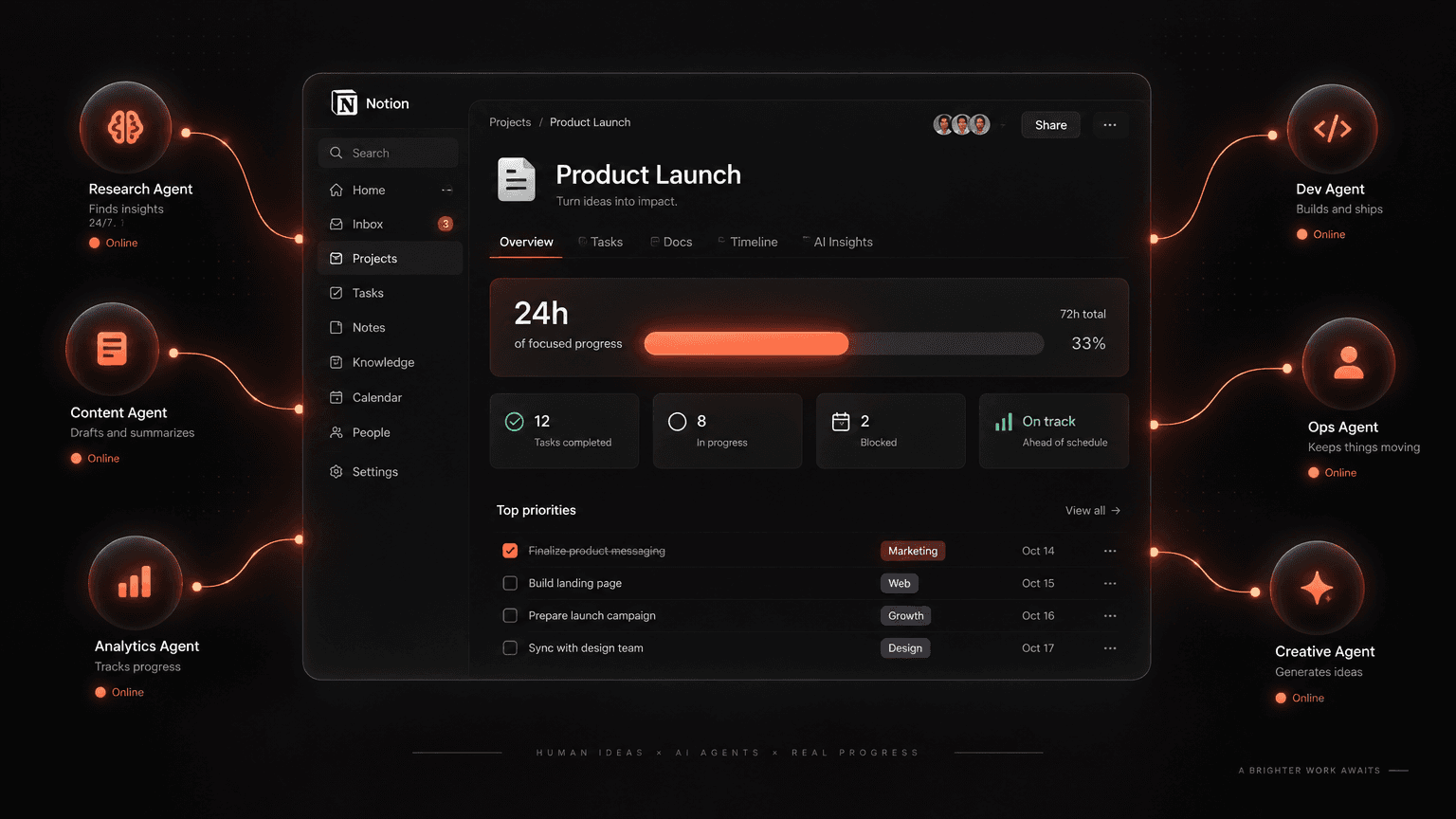
- Notion AI agents can now run a single task for more than 24 hours, up from a previous limit of around 5 minutes. The agents use a queue-backed worker loop so they can pause, pick up where they left off and handle interruptions without losing progress.
- Business and Enterprise Notion plans now include Standard and Select AI credits, so most teams can start building custom agents without buying additional credits.
- Custom Agents reached general availability in May 2026 and are now accessible to all Notion AI subscribers.
- Long-running agents still require well-scoped tasks and a clear stopping condition — an agent that runs for 24 hours without a defined goal will drift.
Notion updated its AI agent product this week with two changes that together lower the barrier for business automation significantly: agents can now run tasks for more than 24 hours, and Business and Enterprise plans now include AI credits at no extra cost.
If your team already uses Notion, this is worth understanding — not because Notion agents replace custom AI builds, but because they make a specific class of automation accessible to people who don't have a developer on hand.
What changed
Until recently, Notion AI agents timed out at around 5 minutes. That was long enough for a single-document task — summarise this page, extract action items from this meeting — but not long enough to work through a backlog, monitor a feed, or handle anything that requires waiting for external inputs.
The new architecture uses a queue-backed worker loop. The agent works in segments, pauses when it needs to wait, picks up where it left off, and handles interruptions without losing progress. A task that requires checking 200 rows in a database, enriching each one from a connected source, and writing the results back into Notion is now something a single agent run can handle.
The pricing change removes the previous friction of needing to purchase separate AI credits before starting. Business and Enterprise subscribers now have a monthly allotment of Standard and Select credits included in their plan. Most teams that want to experiment with custom agents can do so without a procurement step.
Custom Agents themselves reached general availability in May 2026. What's new is that the time limit and the credit cost were the two main reasons teams delayed using them — both are now substantially lower friction.
What you can do with a 24-hour Notion agent
The useful framing is: what tasks in your Notion workspace currently require a human to sit and wait, come back repeatedly, or break a large job into manual batches?
Long-running agents suit that kind of work.
Lead list enrichment. If your Notion database is where you track prospects, an agent can work through a list of 300 contacts over a few hours, pull data from connected sources, fill in company size and industry, and tag each one by priority — without anyone managing the process.
Ongoing content tagging. For teams that publish to a Notion database (articles, support tickets, meeting notes), an agent can watch for new entries and tag them by category, sentiment or topic as they arrive, rather than you batching the tagging every Friday.
Weekly report generation. An agent scheduled to run on Sunday night can pull data from multiple Notion databases, generate a summary for each department and have draft reports ready before Monday standup.
Research backfill. If you have a Notion wiki with 400 pages that need a one-paragraph summary added to each, an agent can work through that backlog overnight without anyone managing progress.
The 24-hour limit does not mean the agent should run for 24 hours on every task. It means that tasks which previously had to be split into dozens of manual sessions can now be a single, monitored agent run.
What Notion agents still can't do
It is worth being precise about scope, because the marketing around long-running agents tends to imply more than the product currently delivers.
Notion agents work within Notion. They read and write Notion databases, pages and blocks. They can call external tools if you have connected them — Notion has integrations with some external services — but the agent cannot directly reach your CRM, your email inbox, your payment system or your WhatsApp account without a connector that passes data through Notion.
The agent needs a defined stopping condition. A 24-hour run time does not mean you should give the agent an open-ended instruction. "Review all our documentation and improve it" will produce inconsistent results over 24 hours. "Go through every page in the Product Docs database, add a one-paragraph summary under the existing H1, and mark the page status as 'Summarised' when done" gives the agent a clear target and a way to report progress.
Billing still applies above the included credits. The free allotment covers most teams for typical use. A team that runs multiple 24-hour agents concurrently will use credits faster and should check their usage dashboard before building workflows that run daily at scale.
How this fits into a broader automation stack
Notion agents are the right tool when your data lives in Notion and your team works there daily. They are not the right tool when the automation needs to touch five different systems, trigger on webhook events from outside Notion, or process data volumes that exceed what a single workspace integration can handle.
For cross-system automation — connecting WhatsApp to a CRM, routing leads from a form to a pipeline and sending follow-up messages automatically — n8n workflows or a custom agent build gives you the connections that Notion's environment doesn't reach.
The practical split for most teams: use Notion agents for anything that starts and ends inside Notion, and use a dedicated automation layer for anything that crosses system boundaries.
What to try this week
Pick one recurring manual task in your Notion workspace — something you or your team does every week by hand — and check whether it fits the pattern: it involves reading or writing Notion pages or databases, it could be fully specified as a step-by-step instruction, and it doesn't require accessing a system outside Notion.
If it fits, the new credit inclusion means you can test it without a budget conversation. If it doesn't fit because it crosses into your CRM, your inbox or your messaging channels, that is where a custom agent build or n8n workflow is the right next step.
How AleyaAI can help
AleyaAI builds AI integrations and n8n automations that connect Notion to the rest of your business stack — your CRM, WhatsApp, inbox, payment system and internal tools. We also build custom AI agents for businesses that need automation beyond what a single workspace tool can handle.
If you want a second opinion on whether your next automation belongs inside Notion or in a dedicated workflow layer, book a free 30-minute strategy call.
Want this working in your business? We build it end to end.
See how we build it